
Nu series · Free · Mac + Windows
Find the mud. Cut it only when it shows up.
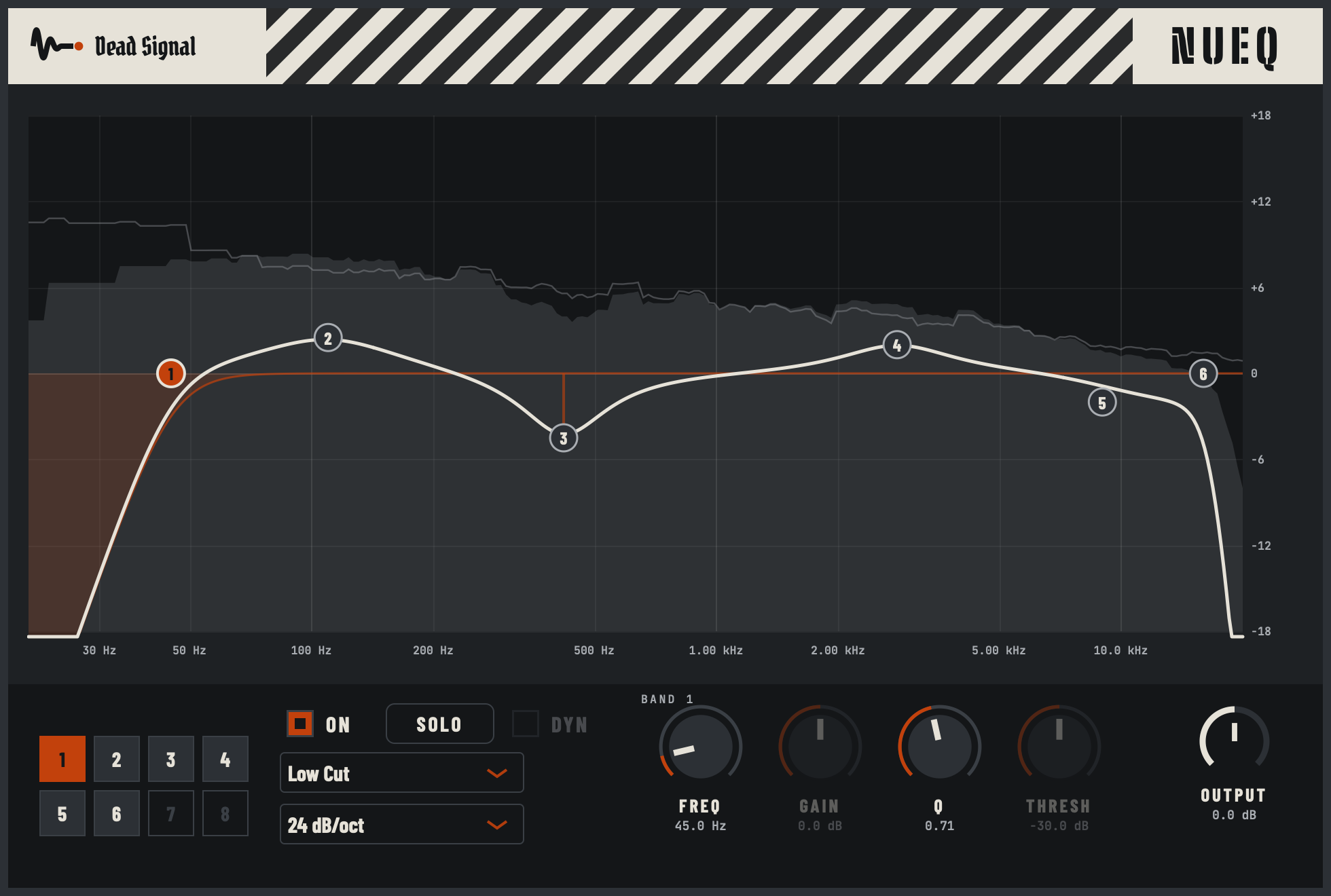
NuEQ is a free 8-band EQ with a live analyzer and dynamic bands. Drag a dot, hear the fix. No email, no account, no catch.
On your phone? NuEQ runs in your DAW on a Mac or Windows computer. Send yourself the link and grab it there.
Email me the link
Hear it
Why a dynamic band
A static cut at 120 Hz fixes the two bars where the chugs pile up, and thins out the other ninety. A dynamic band only pulls the boom down when it actually builds up, and leaves the rest of the song alone. Switch on DYN, set the threshold, and watch the curve move with the music.
What you get
- See exactly where the mud lives. A live analyzer shows the sound going in and coming out, right behind the curve.
- Fix it at the speed you think. Double-click to add a band, drag it, scroll to change its width, right-click to change its type.
- Hear the problem on its own. Hold Cmd (Ctrl on Windows) on a band, or hold SOLO, and you hear only that slice of the sound.
- Cut only when it's a problem. DYN on any bell or shelf: it moves from 0 dB to your gain only when that range gets loud.
- Clear out the sub junk. Low and high cuts from 12 up to 48 dB/oct.
- Safe on every channel. Zero latency, so it's fine while tracking and across a whole session.
- Measured, not guessed. Every build is checked against the textbook filter curves, and what you see on screen matches what you hear to within 0.02 dB.
The controls, fast
On the graph
- Double-click empty space: add a band there
- Drag a dot: frequency and gain · Scroll: width (Q)
- Double-click a dot: reset it · Right-click: type, slope, delete · Alt-click: delete
- Hold Cmd/Ctrl on a dot: solo that band
What it runs on
- Mac: macOS 12 or newer, Apple Silicon or Intel. Audio Unit and VST3.
- Windows: 64-bit Windows 10 or 11. VST3.
- Not on Linux, iPad or phones (yet).